End-to-end encrypted secrets: your keys, your devices
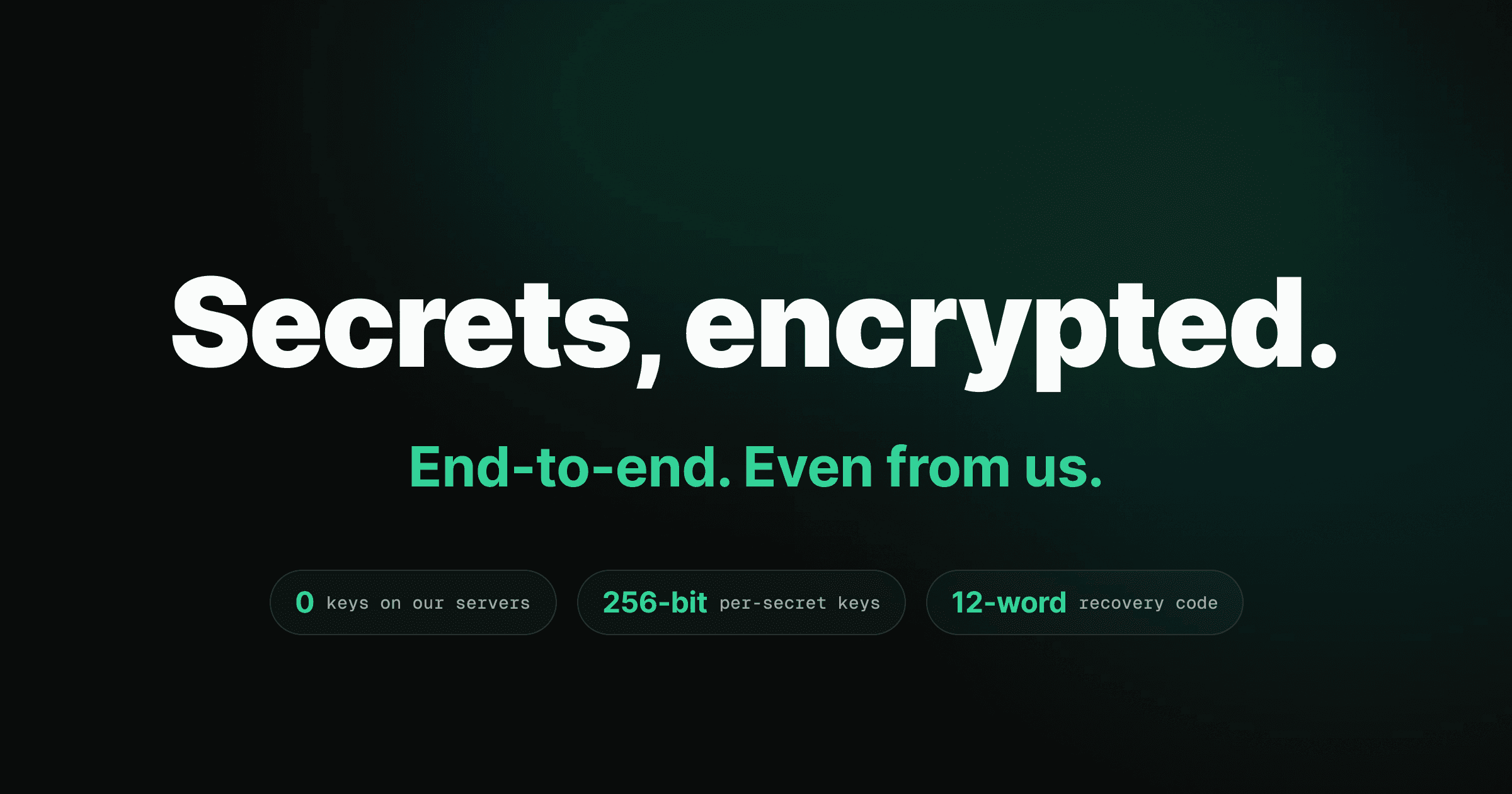
Your secrets are now end-to-end encrypted secrets — API keys, tokens, the contents of a .env file — encrypted and decrypted on your own devices. Trinity's servers store and serve only ciphertext. Nobody without one of your enrolled devices can read your values. That includes us.
If you've ever pasted a production database URL into a tool and felt a small flinch — where does this actually live now? — this release is the answer. The honest one.
The problem with "we keep your secrets safe"
Every tool that holds your credentials makes the same promise: we keep your secrets safe. Most mean it. But "safe" usually means the provider can read your values and chooses not to — protected by access controls, audit logs, and good intentions. That's a policy, not a guarantee.
Policies have a blast radius. A breached server, a subpoenaed database, a misconfigured backup, a rogue employee — any one of them turns "we don't look" into "they did." For a developer wiring up live credentials, that's the wrong kind of suspense.
So we removed ourselves from the equation. With end-to-end encrypted secrets, the question "can Trinity read my values?" has a structural answer instead of a promise: no, by construction. We don't hold the keys, so there's nothing to look at, leak, or subpoena.
How end-to-end encrypted secrets actually work
The keys never leave your machines.
Each device generates its own encryption keypairs and keeps the private halves in the operating system's keychain — macOS Keychain, Windows Credential Manager, or the Linux Secret Service. They're never written to disk and never sent to us. When you save a secret, your device encrypts the value locally. When you read one, your device decrypts it locally. The server only ever sees the locked box.
Keys + plaintext live here
Ciphertext only — can never read
The boundary holds even for us — nobody without one of your enrolled devices can read a value.
That locked box is real cryptography, not obfuscation. Every secret body is sealed with XChaCha20-Poly1305, the same authenticated encryption trusted across modern security tooling. Each value gets a fresh random lock — a 192-bit nonce per message, so no two encryptions are ever the same and no device has to coordinate counters with another. The envelope's header is bound into the encryption itself, so if anything tampers with a stored secret, decryption fails closed rather than handing back a corrupted value.
Our server can rank which encrypted rows are likely yours to read — it sorts candidates by metadata so your device tries the right one first. It still can't open any of them. There's no decryption code and no key material on our side to do it with.
Here's what changed, in plain terms:
| Before (server-side keys) | Now (end-to-end) | |
|---|---|---|
| Who holds the keys | The provider | Your devices only |
| What the server stores | Readable values | Opaque ciphertext |
| Can the provider read your secrets | Yes, in principle | No — by construction |
| Blast radius of a server breach | Your plaintext | Useless ciphertext |
| Trust model | Policy ("we don't look") | Math ("we can't") |
Add a device on your terms, recover when it counts
Keys that only live on your devices raise one fair question: what happens when you get a new laptop?
You approve it. Signing in on a new machine enrolls it as pending — it generates its own keypair and can't read a single encrypted secret until you say so. From a device you already trust, you approve the new one, and only then are your keys sealed across to it. Approval is always your call, even on a team. A team admin can manage who's on the team; they can never wave a new device into your secrets.
Enrolling a new machine
New device signs in
It generates its own keypair in the OS keychain and enrolls as pending. It reads nothing encrypted yet.
You approve it
From a device you already trust, you approve the new one. Your keys are sealed to it. Always your call — never a team admin's.
It can read your secrets
The new device now holds the scope keys it was granted and decrypts your values locally.
Lost every device? Your one-time 12-word recovery code restores access on a fresh machine with no approver needed.
The Devices panel under App Settings shows every machine on your account with its status and last-seen time. Approve the ones you recognize. Revoke a lost one to bar it for good — and if it might be compromised, opt into key rotation so everything written afterward is unreadable with its old keys. You'll also get an alert the moment a device you don't recognize appears.
And the worst case — you lose every device at once — has a clean exit. Your first device hands you a one-time 12-word recovery code. Stored somewhere safe, those twelve words restore your encrypted secrets on a brand-new machine with no approver in the loop.
Why twelve words is enough
The recovery code is a standard BIP-39 phrase carrying 128 bits of entropy. It unwraps your identity keys through a deliberately slow, memory-hard derivation (Argon2id) — fast enough for you to type once, expensive enough that guessing the phrase is hopeless.
Yours stays yours, even on a team
Working solo, every secret is encrypted to your personal key. On a team, the line between your secrets and shared secrets is drawn in cryptography, not permissions.
Anything you store under Yours is sealed with your personal key. Teammates can't read it — not even inside a workspace you share with them. Secrets you mean to share use a workspace key that lives only on team members' devices. Two scopes, two keys, one clear boundary.
Encrypted with your personal key. Teammates can't read these — not even inside a shared workspace.
Held only on team members' devices. Remove a member and the workspace key rotates automatically — new writes are unreadable to them.
Rotation protects new secrets only — rotate anything a former member already saw at its source.
Removing a member is where this earns its keep. The moment you remove someone, they're locked out and the workspace key rotates automatically — every secret written after that is encrypted under a fresh key they'll never hold.
Rotation protects new secrets, not old ones. Anything a former member could already read should be treated as exposed — rotate those credentials at their source provider. Key rotation locks the door going forward; it can't un-share what was already shared.
The workspace key is created, handed to each new member, and rotated after a removal by the apps of the people already in the workspace — no toggle, no approval step, no phrase to file away. It lives as one sealed copy per member, and the copy is opened by the same twelve words that restore that member's own account, so a teammate who loses every device gets the shared key back the moment they restore. The boundary holds both ways: your own secrets stay unreadable to the team, and the team's key is never a thing you have to keep.
Even the setup agent never sees your keys in the clear
Trinity's guided service setup can wire up a third-party service for you — read its config, capture the keys it hands back, store them so your agents can use them. That's exactly the kind of convenience that usually means handing plaintext to a server.
Not here. The setup agent runs in a trusted sidecar on your machine. It classifies and extracts secrets locally, then encrypts them on-device before anything is uploaded — the identical encrypted path your hand-typed secrets take. Plaintext never crosses the network and never lands in our server's memory.
The convenient path and the secure path are the same path. Automation shouldn't cost you your zero-knowledge guarantee — so here it doesn't.
This is the through-line for how Trinity handles anything sensitive. We already manage SSH keys per host so you never paste a deploy key again, writing session tokens to disk at tight permissions. End-to-end encrypted secrets extend that arc to its logical end: the values that matter most are encrypted before they ever leave your hands.
What this means for you
If you remember one thing: the keys to your secrets live on your devices, and only there. Our servers are a dumb, encrypted mailbox. A breach on our side leaks ciphertext nobody can open.
There's nothing to turn on. If you've installed Trinity, your secrets are already end-to-end encrypted, and the auto-updater brings this in on the next check. New device? Approve it from one you trust. New teammate? Share through the team scope. Lost everything? Twelve words bring you back.
The full details — personal and team boundaries, the materializer, cascade resolution — are in the secrets documentation, and workspace specifics live in the workspaces guide. The complete release notes are in the 0.3.3 changelog.
We built this so the answer to "who can read my secrets?" stops being a matter of trust and starts being a matter of fact. You can. Your devices can. That's the whole list.